SKU: SP2024PRO
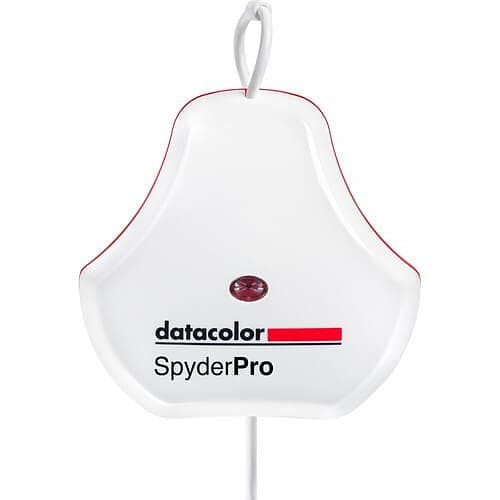
Spyder Pro Display Calibrator
★★★★★
4.9 · Trustpilot (200 reviews)Made to order — delivery in 2-3 business days
309,00 €
Quantity:
1
Product description⌄
The SpyderPro now calibrates an even wider range of laptop/desktop displays and projectors, including the latest technologies like OLED, mini-LED, and Apple Liquid Retina XDR, so users can optimize the color richness, deep shadows, hues, and enhanced detail these displays offer. It also calibrates Wide and Standard LED gamuts, while offering workflow adaptability, letting you work even in the brightest conditions with High Brightness mode. Working on the go with multiple portable displays connected to one computer? SpyderTune mode lets you adjust white point and brightness for visual perfection, for the best possible consistency across multiple screens.
Designed for a wide range of digital creators of all skill levels, including those working in photography, videography, content creation, digital design, and more, Datacolor's advanced SpyderPro colorimeter is a display calibration tool for today's digital workflows. It lets your display accurately represent the images you capture, create, edit, and present. Calibrating a display gives you an accurate color starting point for editing, letting users express their creative vision and share their work, both digitally and in print.
The portable and sturdy SpyderPro not only lets users improve their workflow for photography, content creation, and digital design, but also calibrate a wide range of displays, including wide- and standard-gamut LED, OLED, Mini LED, Apple Liquid Retina XDR, high-brightness displays, and others, optimizing color richness, deep shadows, highlights, enhanced detail, and brightness. Thanks to SpyderPro's StudioMatch and SpyderTune, you'll be able to ensure color consistency across multiple displays, whether you're using one computer or several.
It also includes Datacolor's Device Preview Beta, which lets users see what their images might look like on other devices without needing to use the actual devices. Instead, choose from a selection of smartphone, tablet, or other device profiles.
Datacolor also has Device Preview Beta, which lets users see what their images might look like on other devices without needing to use the actual devices. Instead, they choose from a selection of smartphone, tablet, or other device profiles. This can also be used for soft-proofing and previewing how prints will look for a specific printer model, paper, ink, and print service provider, using an ICC printer profile. Other features include advanced display mapping and analysis, gamma curve adjustment, automatic room-light switching, Rec. 709 and Rec. 2020 gamut coverage, one-click calibration presets, and much more.
Color confidence that's fast and easy
SpyderPro lets you easily calibrate your display in about 90 seconds, so you can be confident you're starting your editing from an accurate color baseline, saving valuable time and effort in your editing workflow. The result? True color and fine detail capture.
Professional results at every experience level
Intuitive software and one-click calibration ensure ease of use and professional results even for the most novice user. In addition, unlimited calibration settings, such as fully customizable gamma curves, white point, and brightness settings, allow advanced color control for a truly tailored workflow that experienced professionals will appreciate.
Calibration for today's digital workflows
SpyderPro now calibrates an even wider range of laptop/desktop displays and projectors, including the latest technologies like OLED, mini-LED, and Apple Liquid Retina XDR, so users can optimize the color richness, deep shadows, hues, and enhanced detail these displays offer. It also calibrates Wide and Standard LED gamuts, while offering workflow adaptability, letting you work even in the brightest conditions with High Brightness mode. Working on the go with multiple portable displays connected to one computer? SpyderTune mode lets you adjust white point, gamma, and brightness for visual perfection, for the best possible consistency across multiple screens.
Color "surprises" are a thing of the past!
With Datacolor's exclusive Device Preview Beta feature, you'll be able to simulate how your photos might look on other devices right on your own calibrated display, without uploading them to other devices to preview. Device Preview Beta also lets you soft-proof your image for print, so you can see how your image will look on paper.
Patchwork Color: Fine for quilts, not for digital display
Multiple cameras and monitors, lighting changes, shoot days, footage stitched together – if your screen color isn't consistent, neither is your visual story. SpyderPro's StudioMatch mode enables side-by-side calibration for multiple computers/displays, ensuring consistent and accurate color reproduction across multiple connected screens or computers.
Video and film color you can rely on
SpyderPro's Rec. 709 and Rec. 2020 targets ensure that colors will be accurate, so you can be confident colors and images will translate correctly throughout the production workflow, from editing and post-production to broadcast, streaming, and final display. Rec. 709 is the most commonly used standard today, while Rec. 2020's wider color gamut will let you deliver content that's more vivid for a truly immersive experience for your audience.
Get the "big picture" of your image
SpyderPro's Advanced Display Mapping & Analysis feature gives you detailed information about your display. You can check color/color uniformity, brightness, contrast, gamut, tone response, display accuracy, and white point of your displays to monitor color accuracy and consistency.
Details emerge from the shadows
SpyderPro's gamma curve adjustment feature lets you improve tone distribution (how smoothly black transitions to white). Gradations are improved so that shadow and highlight detail stays sharp and clean. You can also balance your display's brightness settings based on your location and needs, for precise color accuracy so every detail is captured.
Customizable calibration for your needs
SpyderPro offers unlimited calibration settings for fully customized calibration for every workflow. Fine-tune gamma, white point, and brightness settings for every need. There's also a preset list of the most common calibration targets, including those for video standards and StudioMatch. Want to spend a little more time for a more refined calibration? Select Better Grey Balance in the calibration settings for smoother gradations. Pressed for time? Select the Faster setting.
Adapting to lighting changes
Automatic room-light switching measures and monitors the lighting around you, ensuring your current display profile is the most suitable for your environment. Not every task requires controlled lighting, so letting Spyder adjust calibration to your room's lighting will ensure your display profile is optimal. During a room-light calibration, multiple profiles are created for different room lighting levels.
Use CheckCal for peace of mind
CheckCal is Datacolor's answer to the question "Is my calibration still valid?" CheckCal runs a quick test on your display to verify your calibration is up to date.
Calibration as bright as your environment
Some modern displays feature brightness levels for outdoor or other brightly lit environments. SpyderPro's high-brightness calibration setting compensates for these displays when working in a bright environment for accurate reference.
Stay connected
A native USB-C connection is included as standard equipment with the SpyderPro, along with an additional USB-A adapter for extra convenience when needed.
USB Connection: Integrated USB-C Cable
Max Luminance: 2000 nits
Backlight Types: Wide LED, Standard LED, General (Wide and Standard CCFL), GB LED, High Brightness, OLED, Mini LED
High Brightness Calibration: Yes
Projector Calibration: Yes
Gamma Curve Settings: Unlimited
Whitepoint Settings: Unlimited
Brightness Settings: Unlimited
Display Analysis / MQA: Elite / Full
Number of Displays Supported: Unlimited
Supported Languages: English, French, Italian, German, Spanish, Russian, Japanese, Simplified Chinese, Traditional Chinese, and Korean
System Requirements: Windows 10 (32-/64-Bit) and Windows 11
macOS 10.14 to 14
Monitor Resolution: 1280 x 768 or Greater
16-Bit Video Card (24-Bit Recommended)
1 GB of Available RAM
500 MB of Available Hard Disk Space
Internet Connection for Software Download and Activation
Inputs / Outputs
USB I/O: 1 x USB-C Integrated Male Input/Output
Power
Power Source: USB (Built-In)
DC Input Power: 5 VDC
Operating Current: 100 mA
Environmental Certifications: CSA, C-Tick, CE
Operating Temperature: 5 to 40°C
Operating Humidity: 80%
Physical
Color: White
Dimensions: 7.6 x 7.6 x 4.45 cm
Weight: 0.15 kg
You might also like
Used
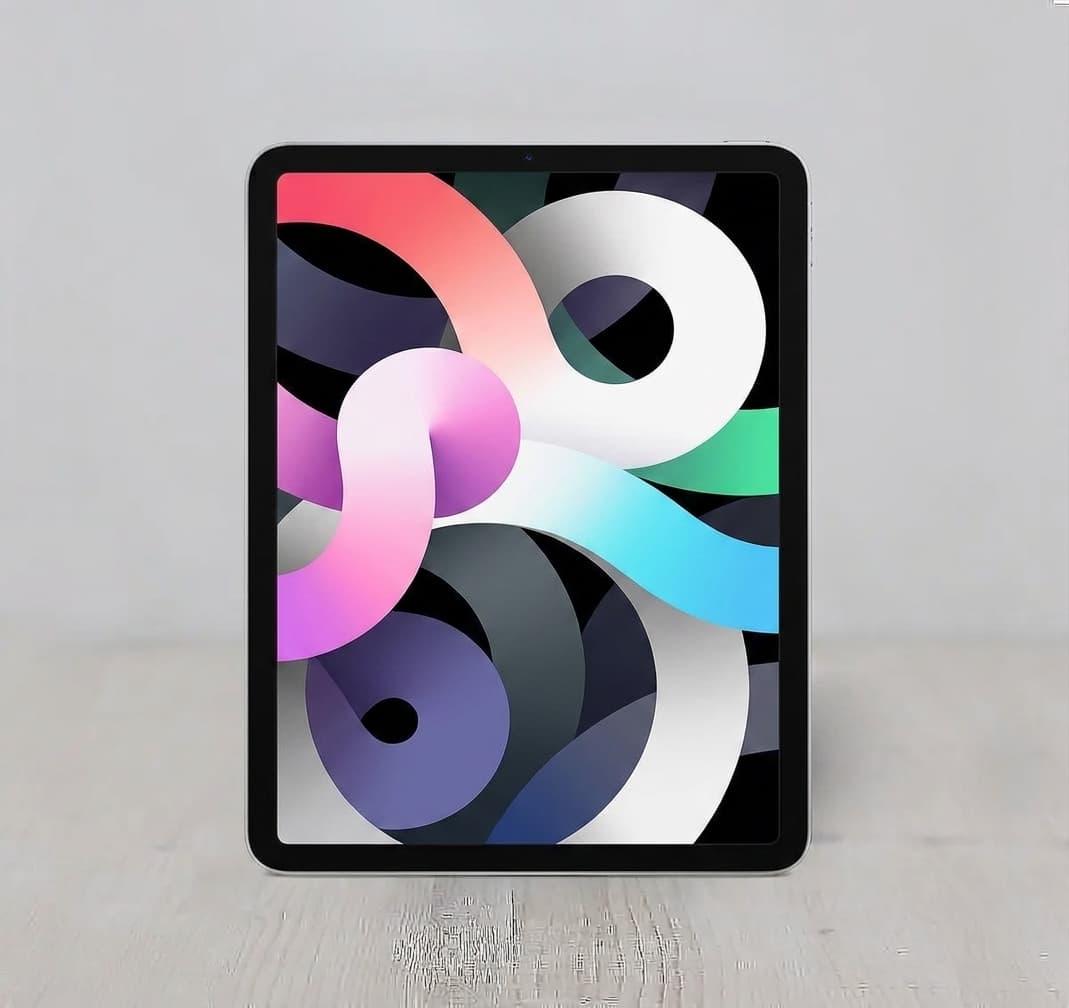
Apple iPad Air 10.9" 4th Gen WiFi Cellular (256GB / 2020)
Very good
🛡️ 12 μήνες εγγύηση
Made to order
427,00 €
Used
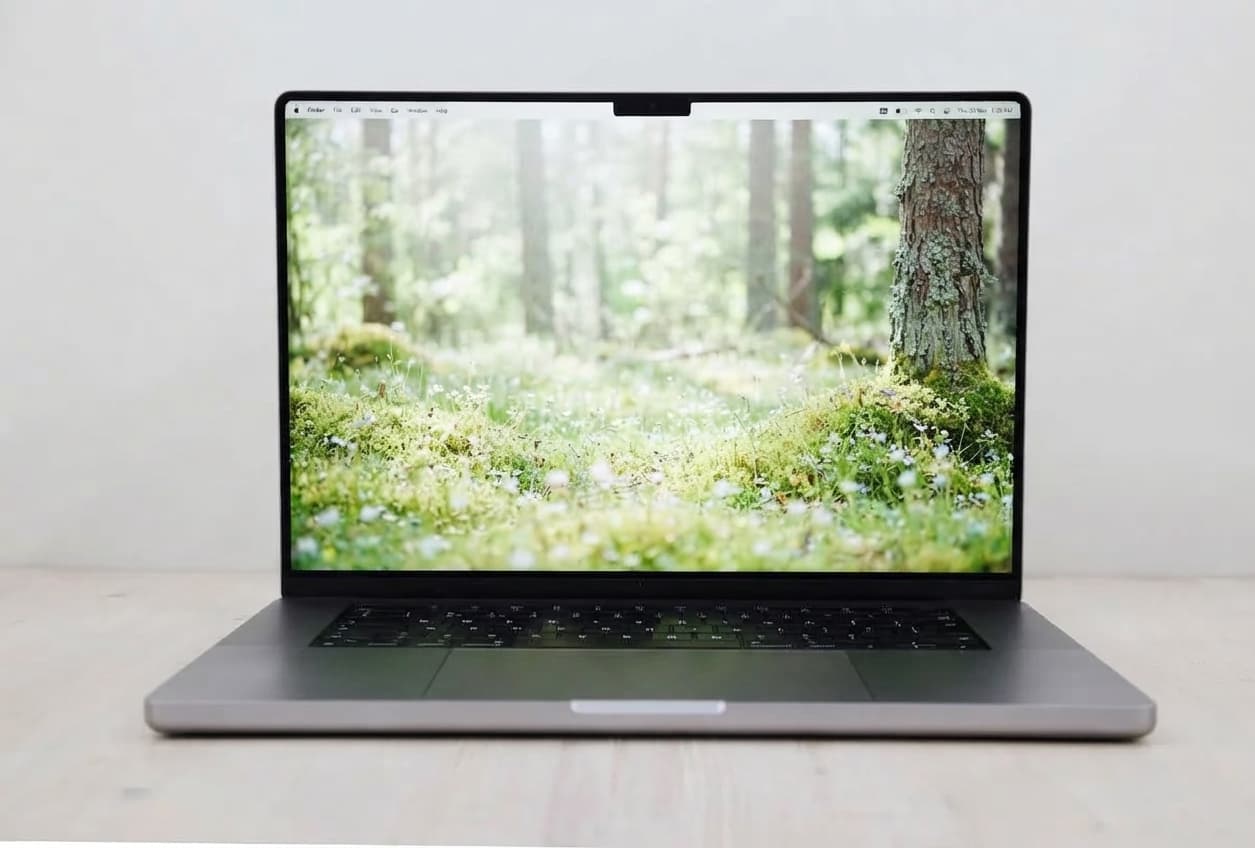
Apple MacBook Pro 16" (12-Core) 3.5GHz M2 Max (38 GPU / 2023)
Excellent condition
🛡️ 12 μήνες εγγύηση
Made to order
2.499,00 €